
SSO Rajasthan Server Down? How to Fix SSO ID Website Not Working Issues
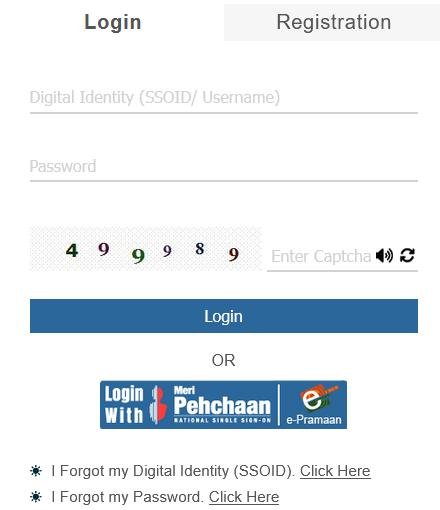
If the SSO Rajasthan portal is not working, loading slowly, showing a blank page, or failing during login, the issue may be caused by server maintenance, heavy traffic, browser problems, or internet connectivity issues.
Many users face temporary access problems while using the Rajasthan Single Sign-On portal, especially during peak hours.
This guide explains why the SSO Rajasthan website may not be working and provides practical solutions to fix common login and portal errors.
Is SSO Rajasthan Server Down Right Now?
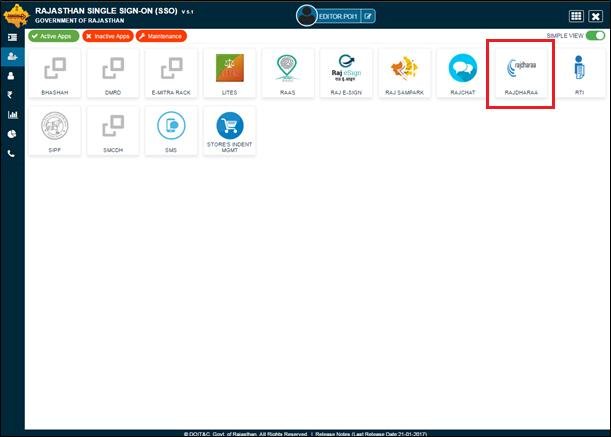
Before trying technical fixes, first determine whether the issue is from your side or from the SSO portal itself.
Read Also: Forgot SSO ID Rajasthan? Recover SSO ID & Reset Password (2026 Guide)
How to Check if SSO Rajasthan Is Down
If the portal does not work for multiple users/devices, the issue may be a temporary server outage.
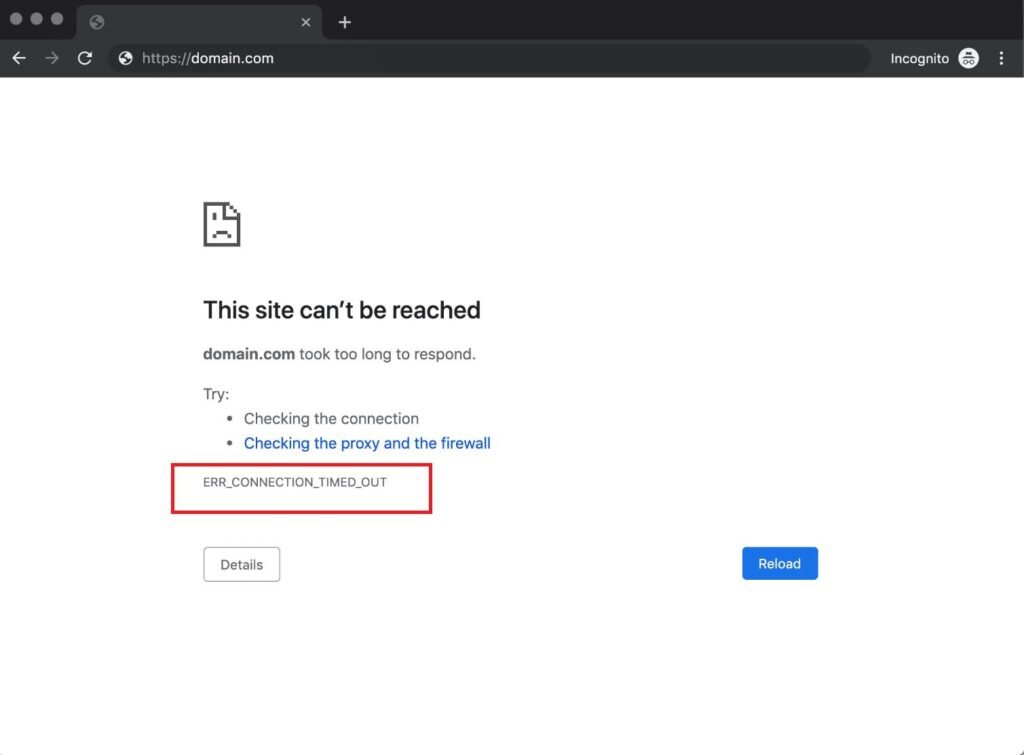
- Try opening the website on another browser
- Test the portal on another device
- Switch between Wi-Fi and mobile data
- Ask another user if they are facing the same issue
- Check for official maintenance announcements if available
Common Reasons Why SSO Rajasthan Is Not Working
Several factors can prevent the portal from loading properly:
Server Maintenance
The SSO Rajasthan portal may be temporarily unavailable due to scheduled updates or backend maintenance.
High User Traffic
Heavy traffic during peak hours can slow down the portal or cause timeout errors.
Browser Cache Problems
Old cached files may interfere with website loading.
Internet or DNS Issues
A weak connection or DNS routing problem may block portal access.
Browser Compatibility Problems
Outdated browsers or incompatible extensions may prevent the site from functioning properly.
OTP/Authentication Delay
Sometimes the portal loads but login verification services experience delays.
How to Fix SSO Rajasthan Website Not Working
Follow these troubleshooting methods one by one.
Read Also: SSO ID Login Error Today – 100% Working Solution for All Users 2026
Refresh the Website and Wait
Temporary server overload can resolve itself within a few minutes.
Try this:
- Refresh the page
- Wait 5–10 minutes
- Attempt login again
Clear Browser Cache and Cookies
Cached data often causes loading issues.
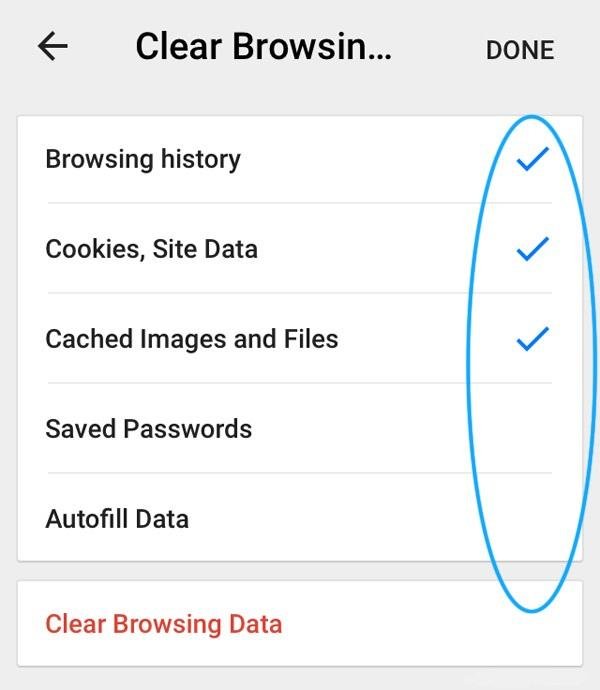
Steps:
- Open browser settings
- Go to Privacy & Security
- Select Clear Browsing Data
- Clear cache and cookies
- Restart browser
Use Incognito/Private Mode
Private browsing disables stored cache/extensions.
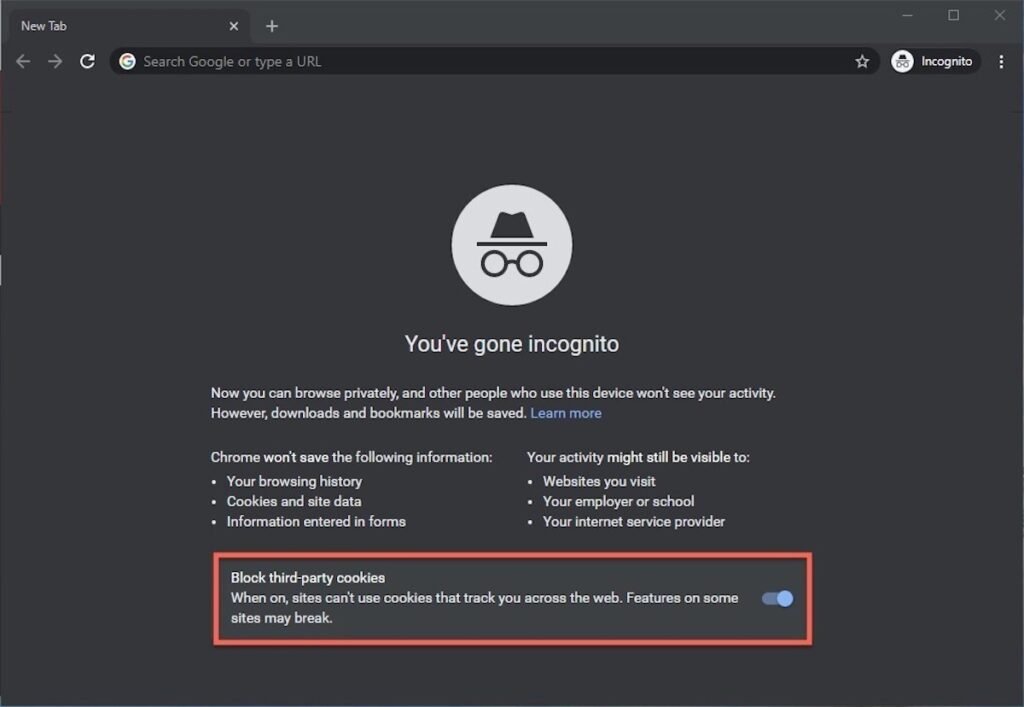
Shortcut Keys:
- Chrome/Edge:
Ctrl + Shift + N - Firefox:
Ctrl + Shift + P
Try a Different Browser
The portal may work better on another browser.

Read Also: SSO ID Not Working Today – Real Fix Guide 2026 (100% Working Solution)
Recommended Browsers:
- Google Chrome
- Microsoft Edge
- Mozilla Firefox
Disable Browser Extensions / VPN
Some extensions interfere with secure government portals.
Temporarily disable:
- Ad blockers
- Security extensions
- VPN/Proxy services
Switch Internet Connection
Try:
- Wi-Fi → Mobile Data
- Mobile Data → Wi-Fi
This helps if your ISP/DNS has routing issues.
Access During Off-Peak Hours
Traffic is often highest during:
- Morning office hours
- Government deadlines
- Recruitment/application periods
Try late evening or early morning for better access.
Check OTP Delivery Delays
If login works but OTP is delayed:
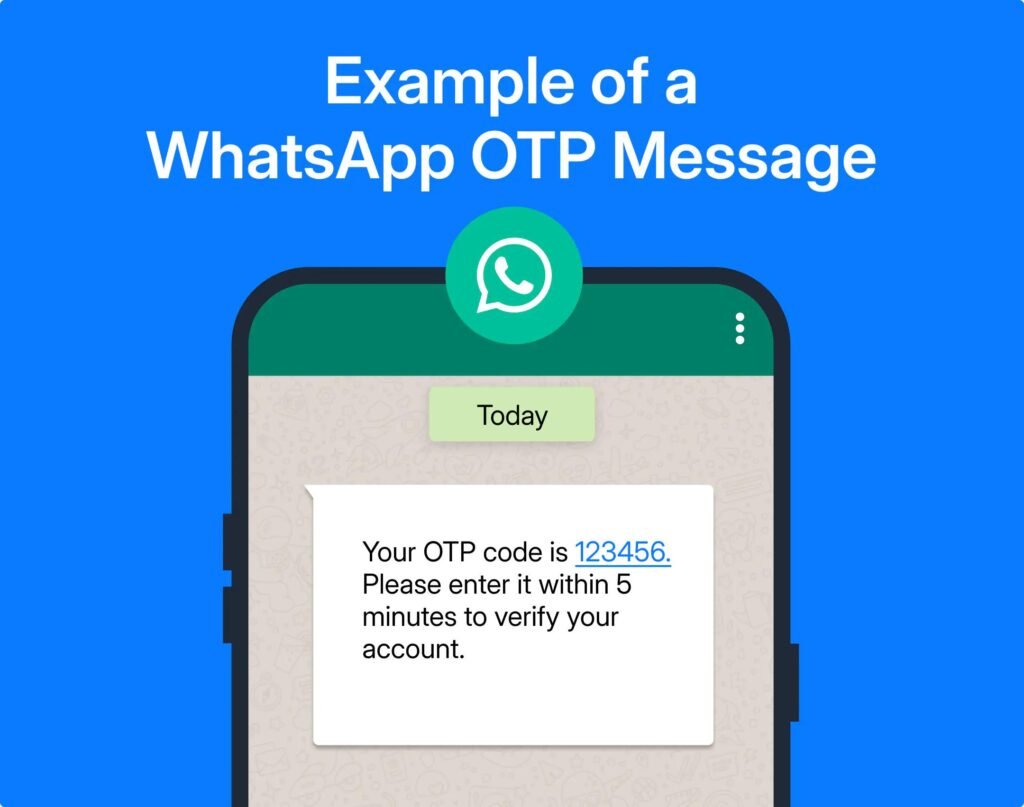
- Wait 5–10 minutes
- Ensure mobile signal is strong
- Check SMS inbox/spam folders if applicable
Contact Official Support
If the issue continues for an extended period, contact official support through the Rajasthan SSO help resources available on the official portal.
Common SSO Rajasthan Errors and Their Solutions
| Problem | Possible Cause | Recommended Fix |
|---|
| Blank White Page | Browser Cache | Clear Cache |
| Website Not Opening | Server Down / DNS Issue | Switch Network |
| OTP Not Received | SMS Delay / Server Load | Wait & Retry |
| Login Failed | Wrong Credentials | Reset Password |
| Page Loading Forever | High Traffic | Try Later |
Tips to Prevent Future SSO Portal Issues
- Keep browser updated
- Avoid too many open tabs while logging in
- Save login details securely
- Use stable internet connection
- Access portal during non-peak hours
Conclusion
If the SSO Rajasthan portal is not working, the problem is often temporary and can usually be fixed by clearing cache, switching browsers, changing internet connections, or waiting until traffic decreases. If the issue affects many users, it is likely due to server downtime or maintenance.
For persistent issues, use the official support options provided by the Rajasthan SSO portal.
Disclaimer: This website/article is for informational purposes only and is not affiliated with any government authority. Always verify critical information through the official Rajasthan SSO portal.
FAQS
How long does SSO server downtime last?
Most temporary outages are resolved within a few minutes to a few hours.
Why is SSO Rajasthan loading slowly?
Slow loading usually happens due to heavy traffic, weak internet, or browser cache problems.
Can browser cache stop SSO from working?
Yes, outdated cache files can prevent the portal from loading correctly.